

On the OnlineOCR website, we use two options for optical recognition. One option is an older machine recognition development, while the newer one uses AI.
Machine recognition handles regular text in different languages well, consumes fewer resources, and as a result, recognition will be cheaper for the user.
How to do it?
AI recognition offers vast possibilities for recognition, document analysis, and accurate recognition and composition of objects on the page. Automatic recognition of several language formats on the page.
To recognize a table of virtually any complexity - you need to use the Premium OCR service on the website. To do this, you can go to the main page of the site and select Premium OCR in the switcher.
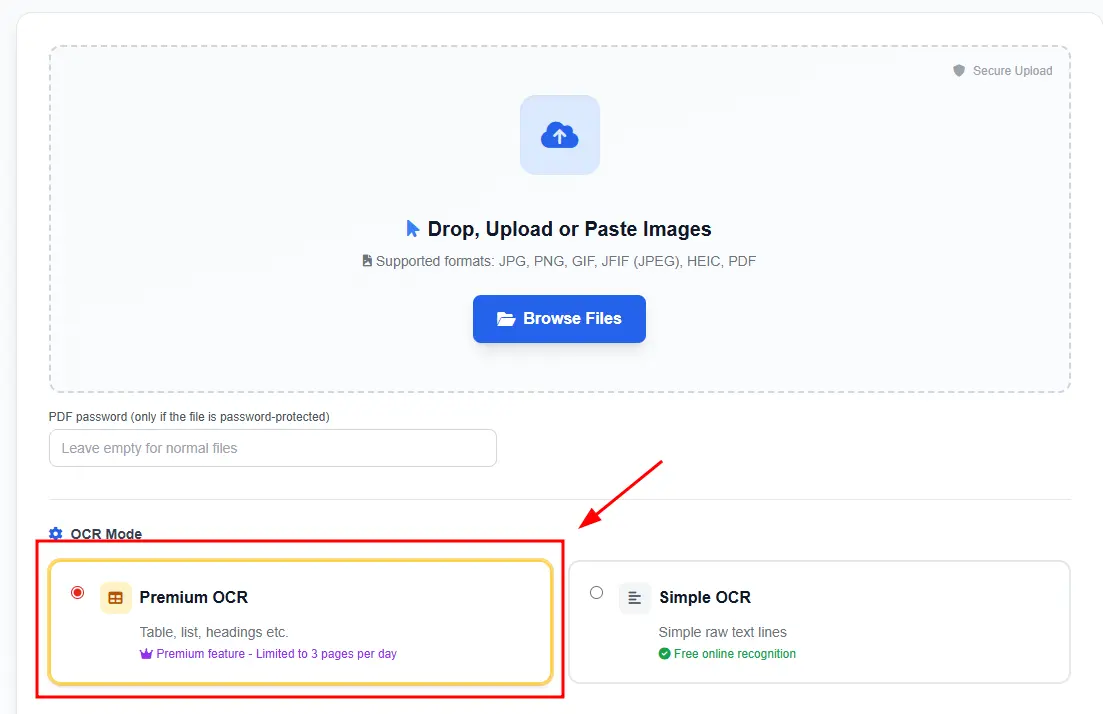 Then follow the instructions and prompts, and after that, you will have quality recognition results, and you will be able to choose how you want to download the file.
The second option is through the personal account
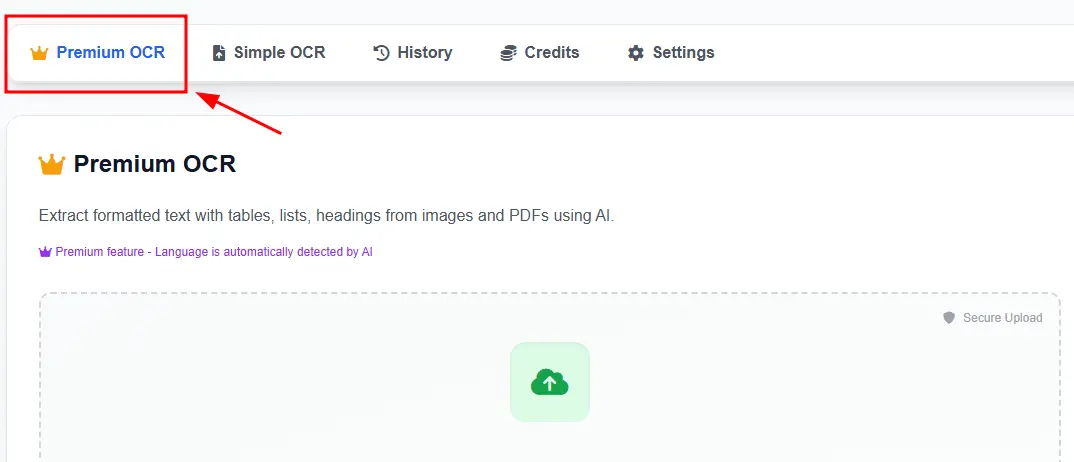
Here everything is similar to the main page, but the advantage of uploading in the personal account is bulk uploading, processing, and handling large PDF files.